Step 1
Find a place
Search for a North Carolina address, city, town, or one of the indexed Catawba parks. Choose a suggestion to move the map there. ZIP-only lookup is not supported; use a town or full address.
Map guide
Start with a place you know. Move the divider, uncover the ground, and take a closer look. Try the small comparison here, then explore the full map.
Open the map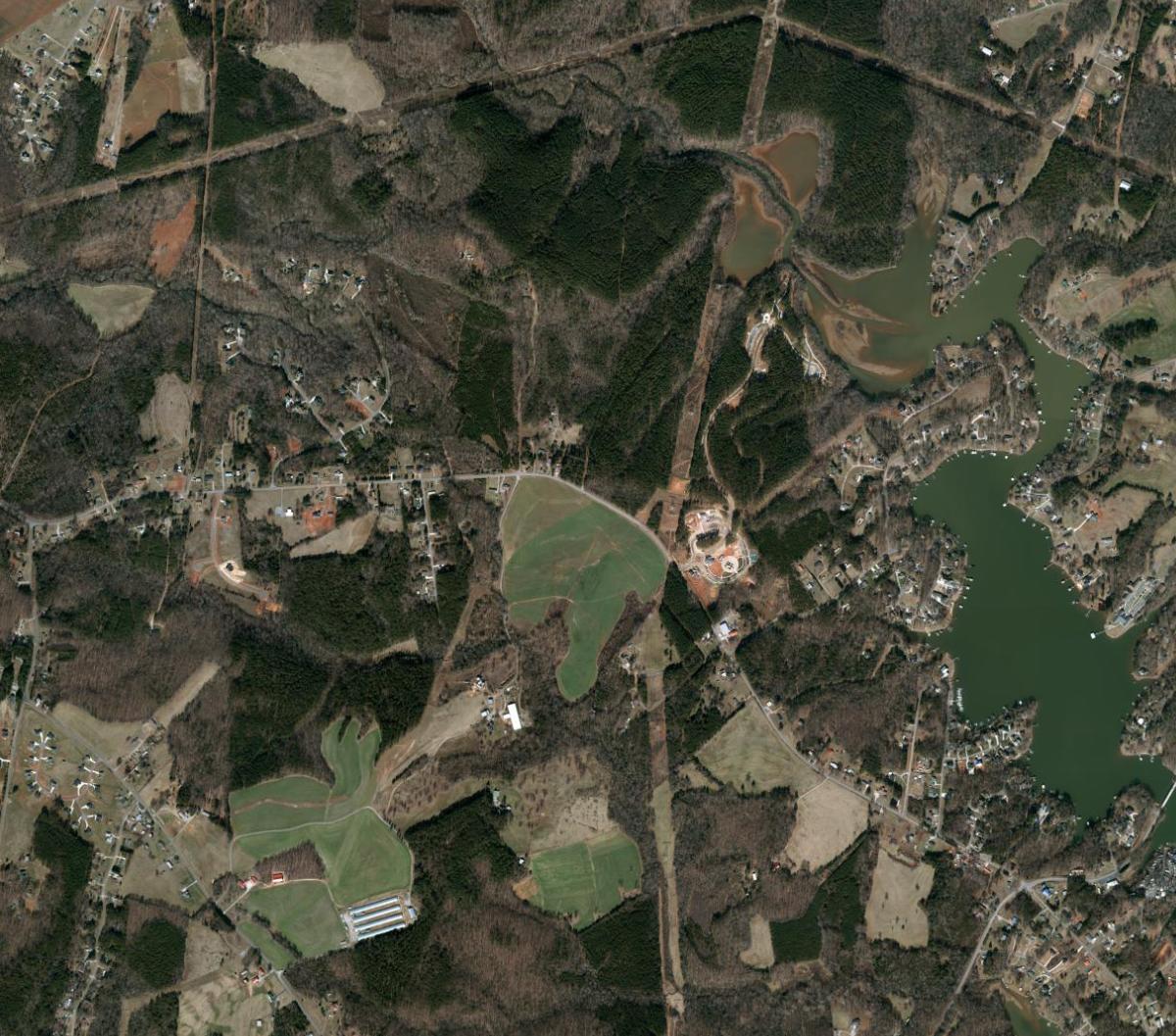
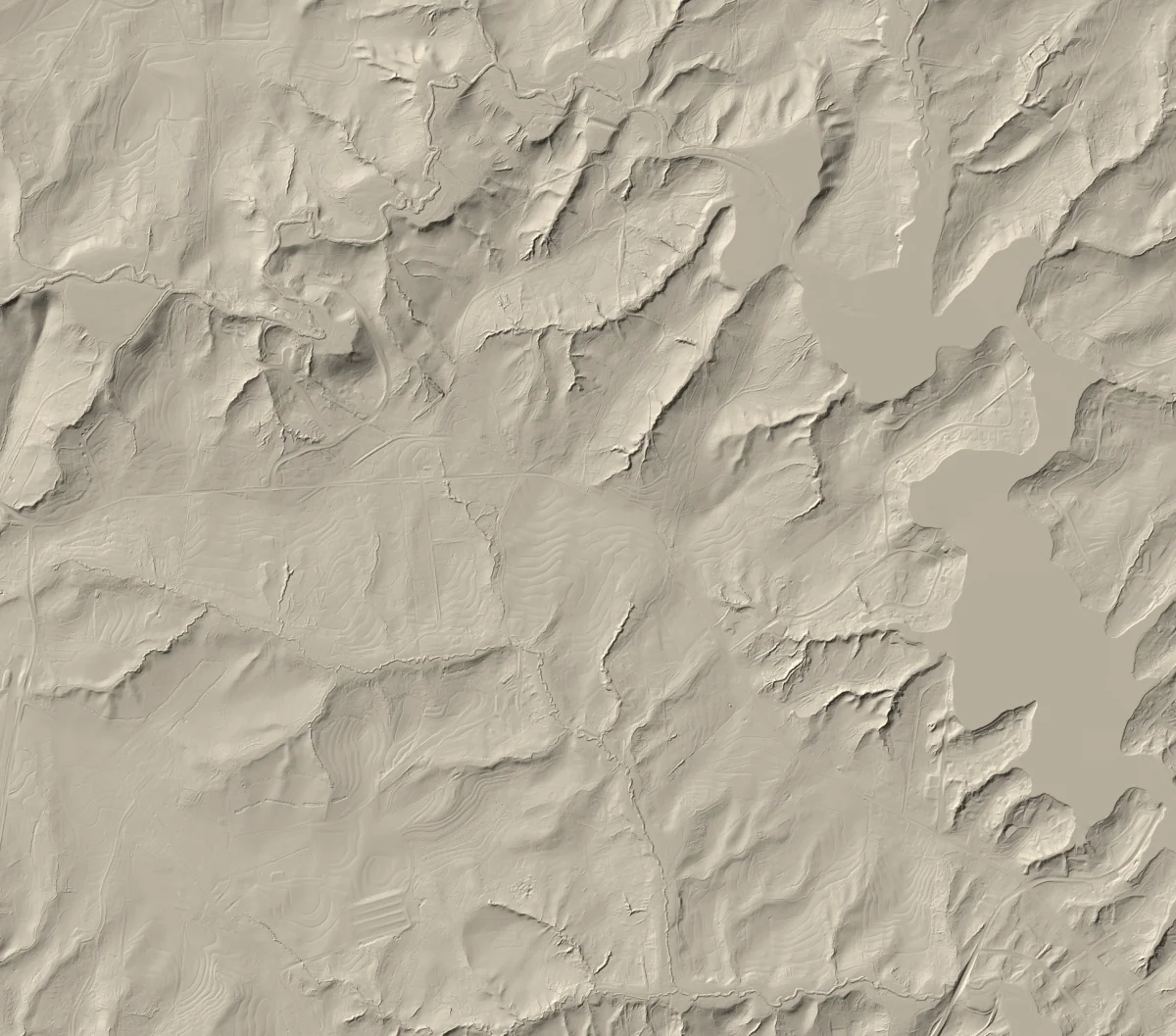
Drag to compare, or use the arrow keys.
NC OneMap imagery · NC Emergency Management terrain
Aerial 2022 · LiDAR 2016–2017 · Source details
Step 1
Search for a North Carolina address, city, town, or one of the indexed Catawba parks. Choose a suggestion to move the map there. ZIP-only lookup is not supported; use a town or full address.
Step 2
Move the gold handle left or right. The aerial view stays on one side; bare-earth terrain is revealed on the other.
Step 3
Click or tap inside published coverage to see an elevation in feet. Only one inspection remains active at a time.
Keyboard
Tab to the divider. Use Left and Right arrows for small changes, or Home and End to move fully to one side. To inspect elevation, use arrow keys on the map to move its center, then Tab to Elevation at center and press Enter.
Optional
Right-drag the map or rotate with two fingers. The compass shows north; click it to return north-up. Open Display for 90° turns, independent aerial and terrain opacity, and three terrain contrast choices. Lower terrain opacity to blend aerial imagery beneath the terrain side of the divider. These are tone adjustments of the same northwest-lit hillshade, not different elevation models.
Use Tab to reach controls, arrow keys on opacity sliders and terrain-tone radio buttons, and Escape to close Display. Reset display restores north-up and the original appearance while keeping your location, zoom, and divider. Shared links retain bearing; opacity and tone apply only during this visit.
Aerial imagery and search work statewide. The terrain side identifies places where a bare-earth publication is not available yet instead of showing stale or broken imagery.